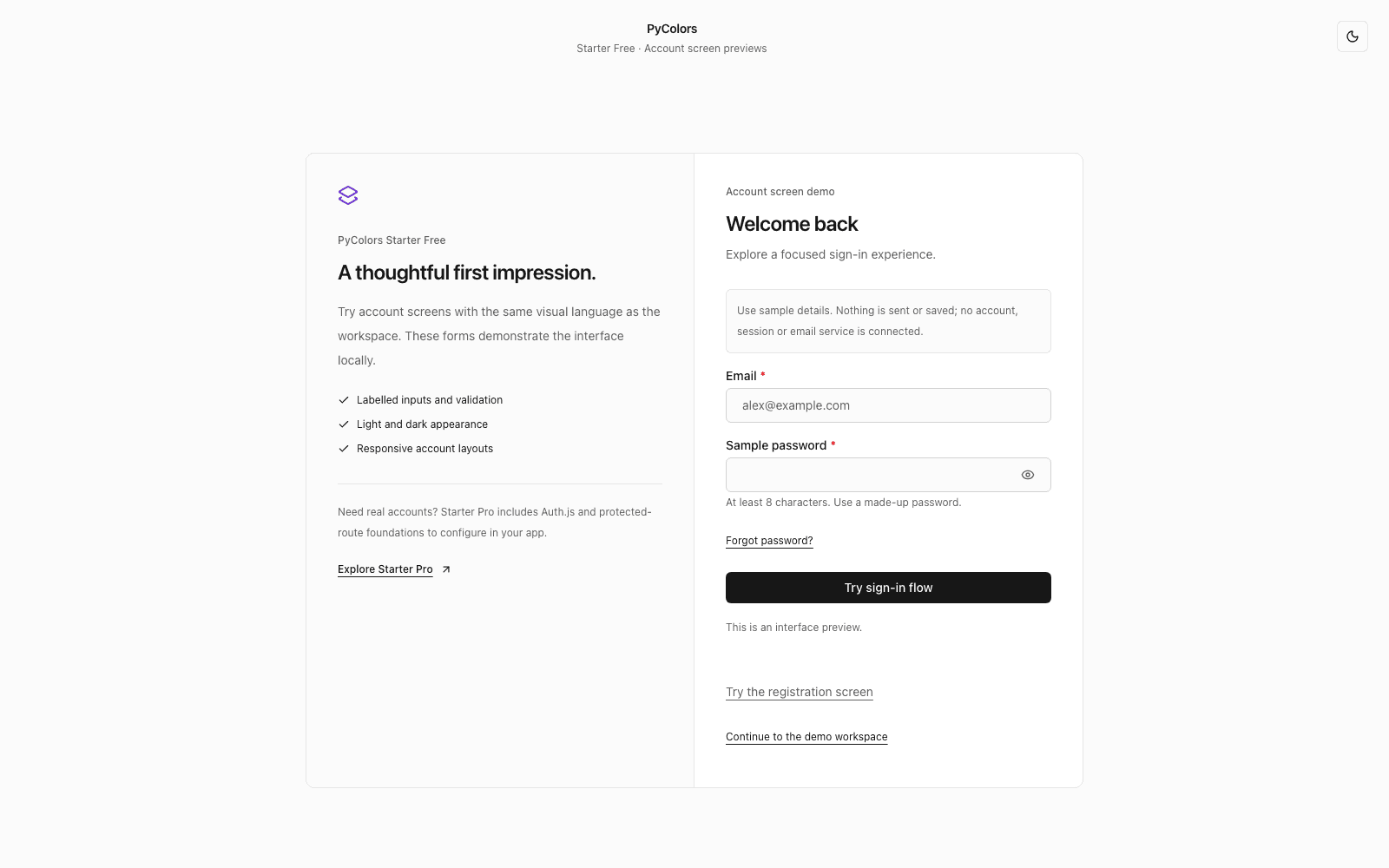
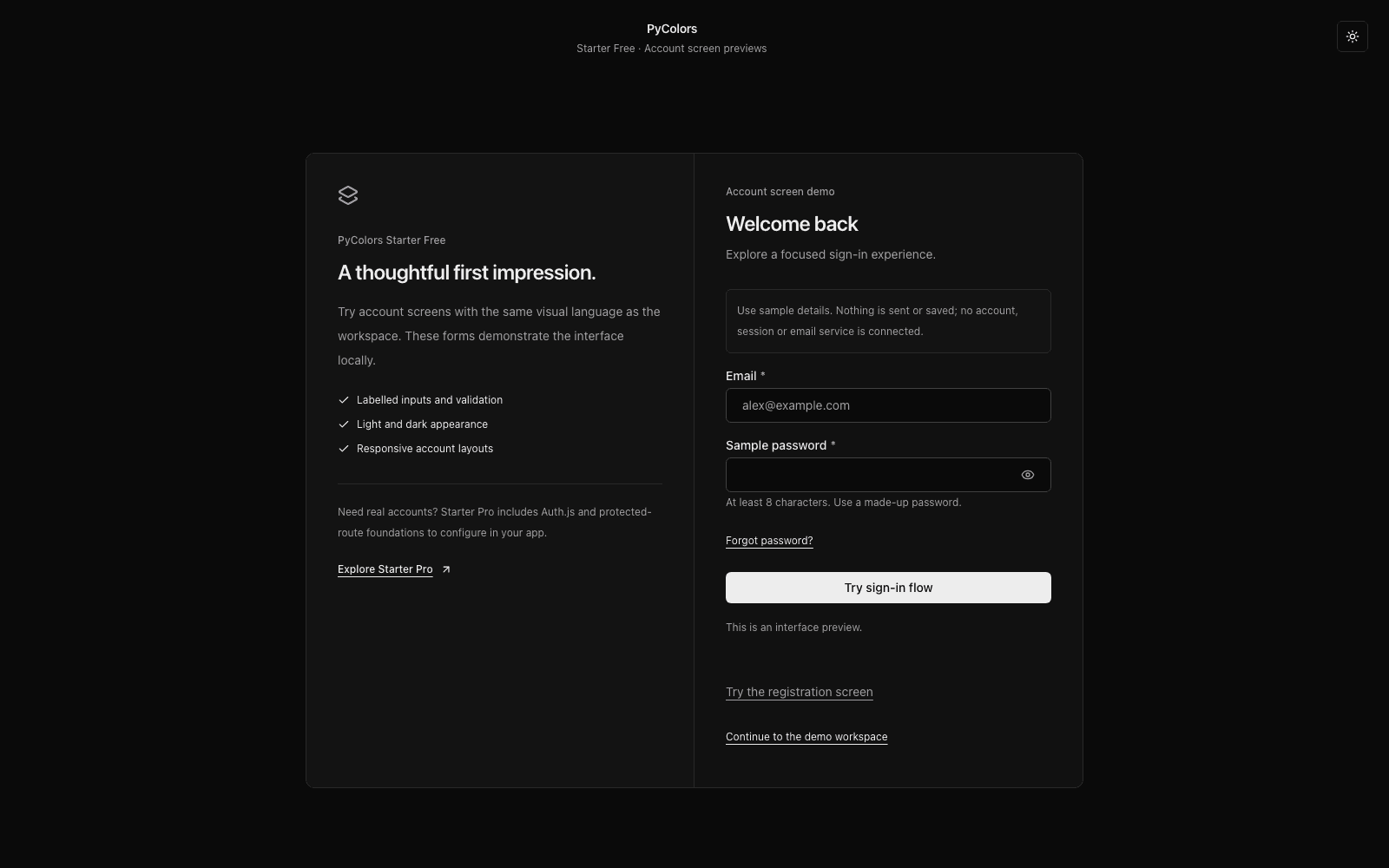
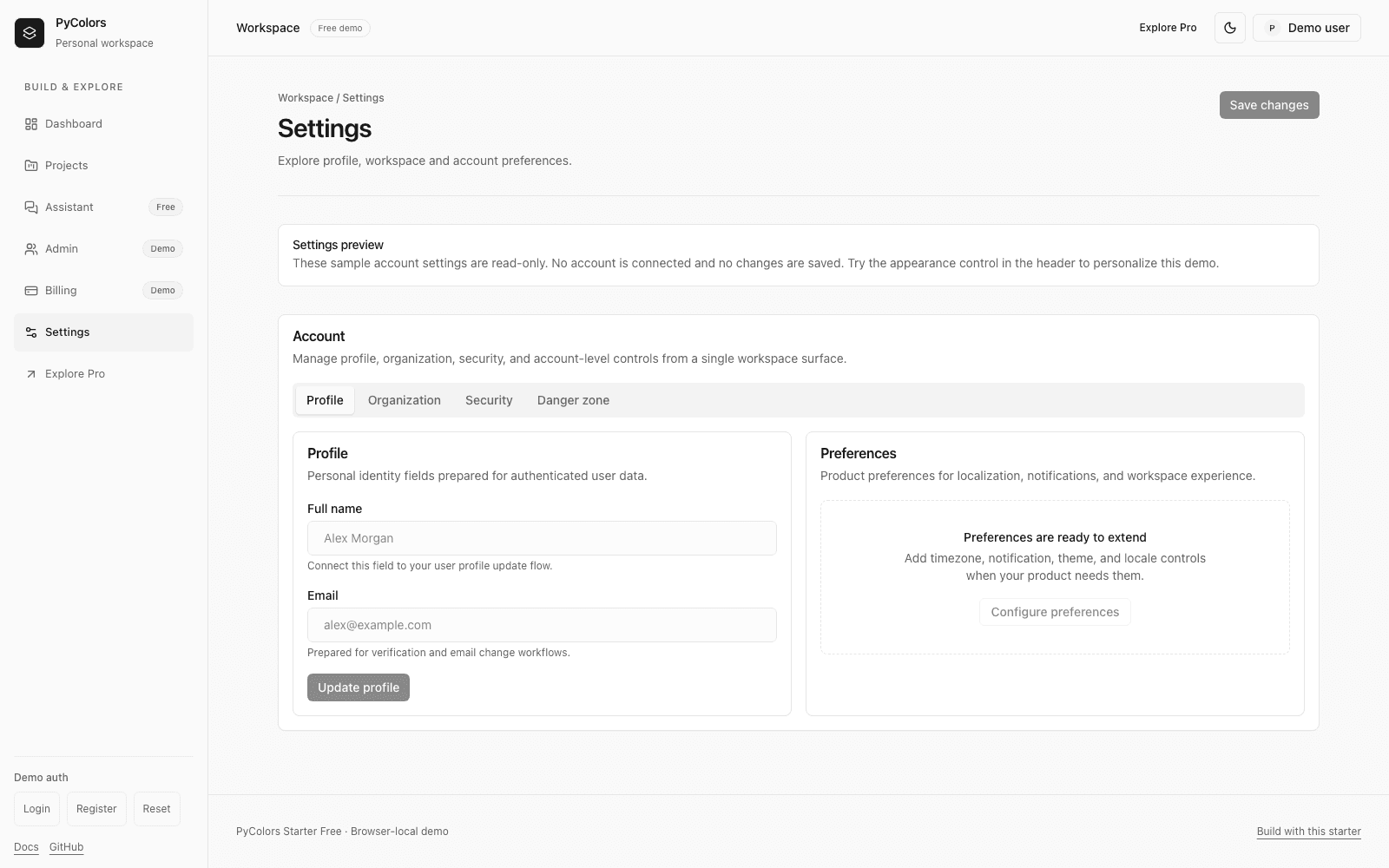
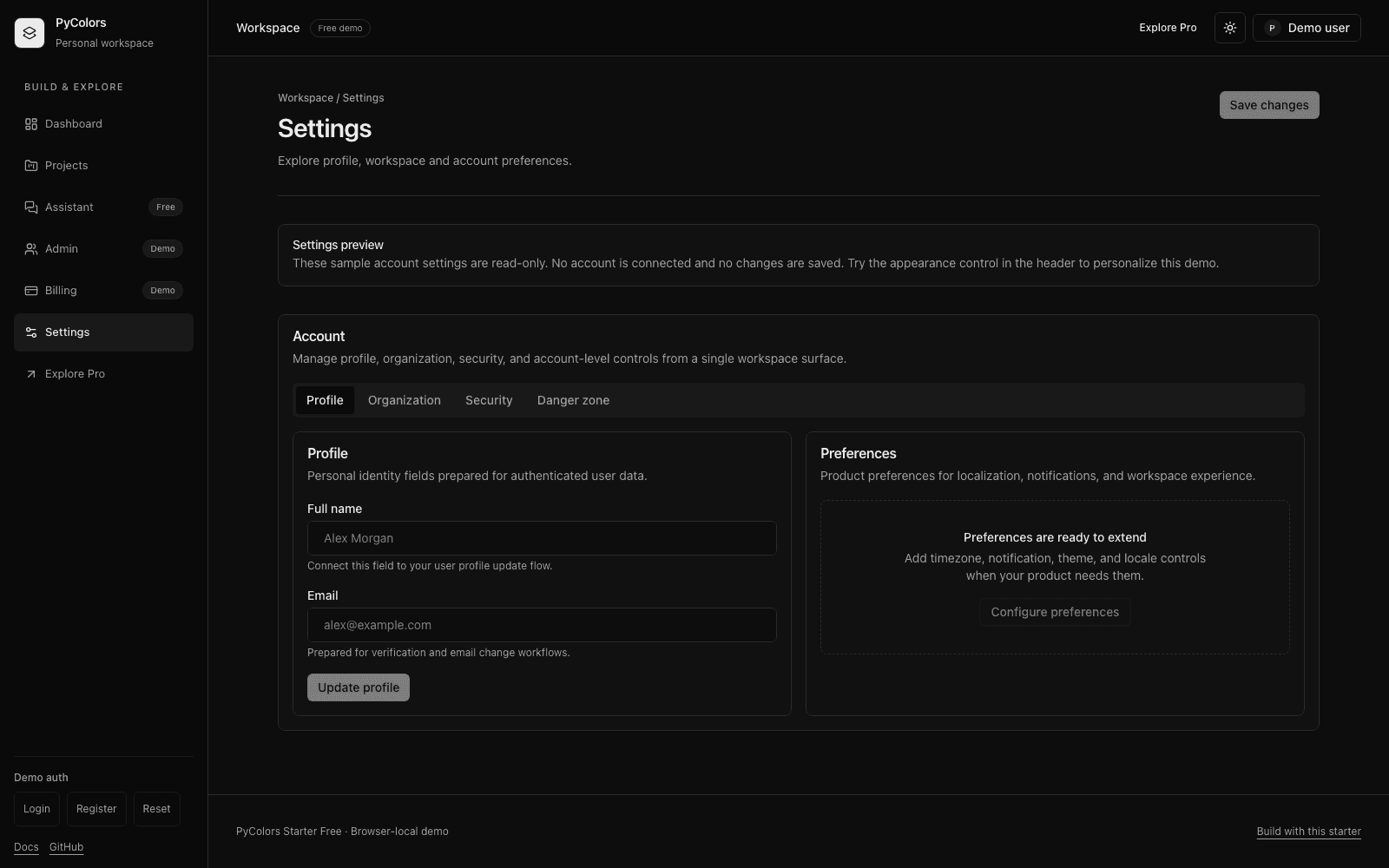
Starter FreeOpen source · MIT

Your next SaaS starts here.

A free Next.js starter with a dashboard, project flows, auth screens and a shared design system. Shape your product with demo data, then connect the backend you choose.

Full source code · No account required · Mocked auth, billing and product data

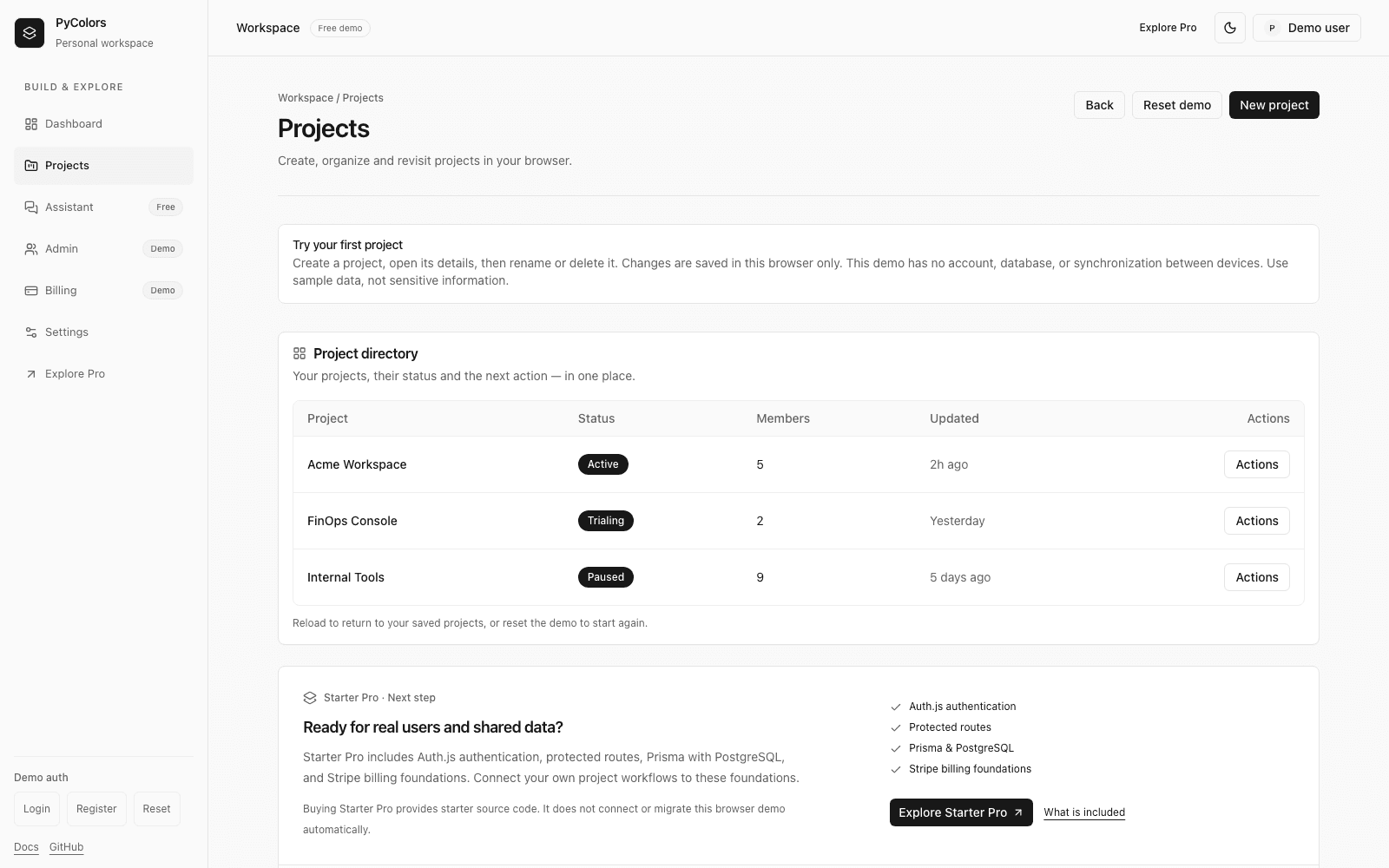
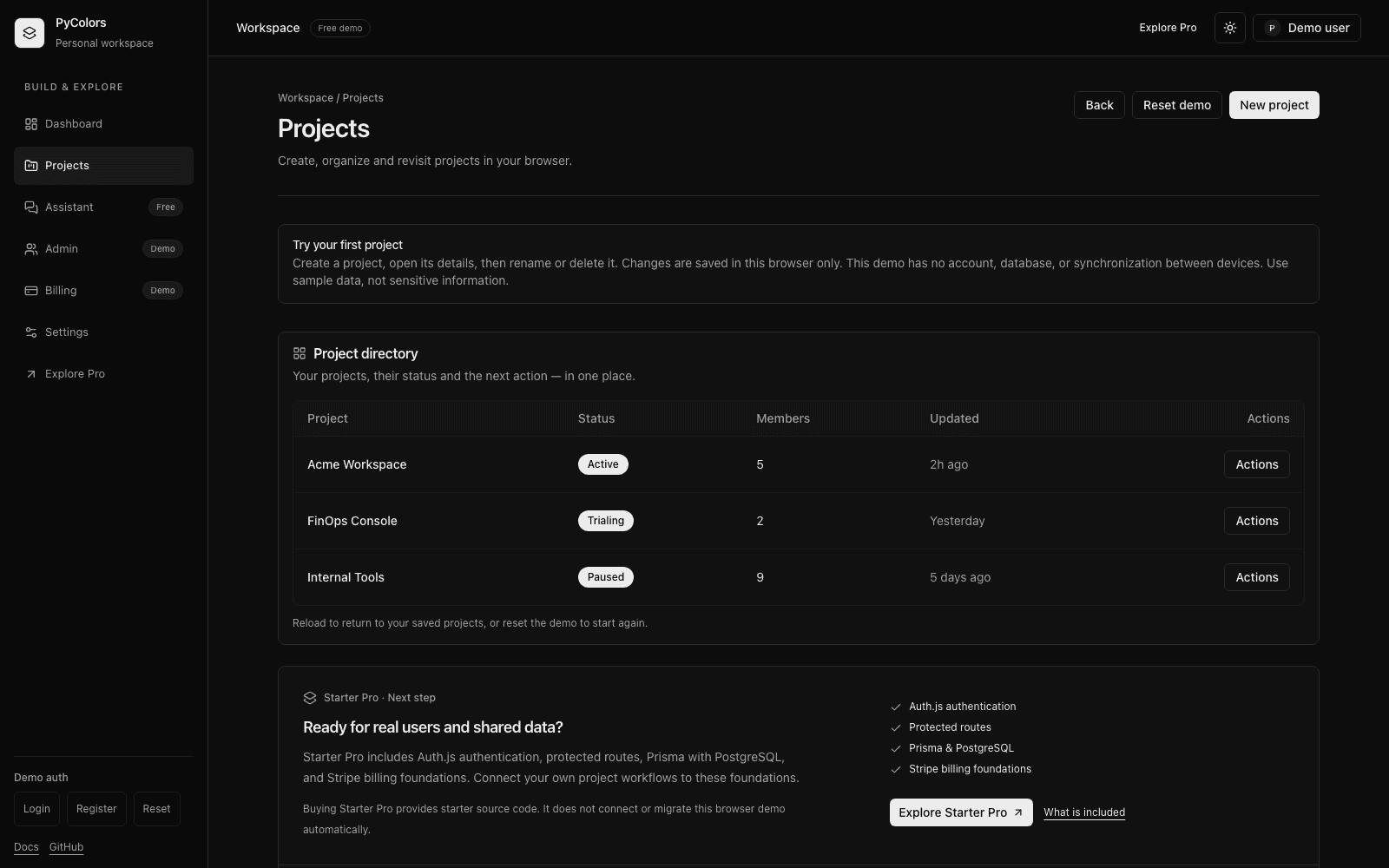
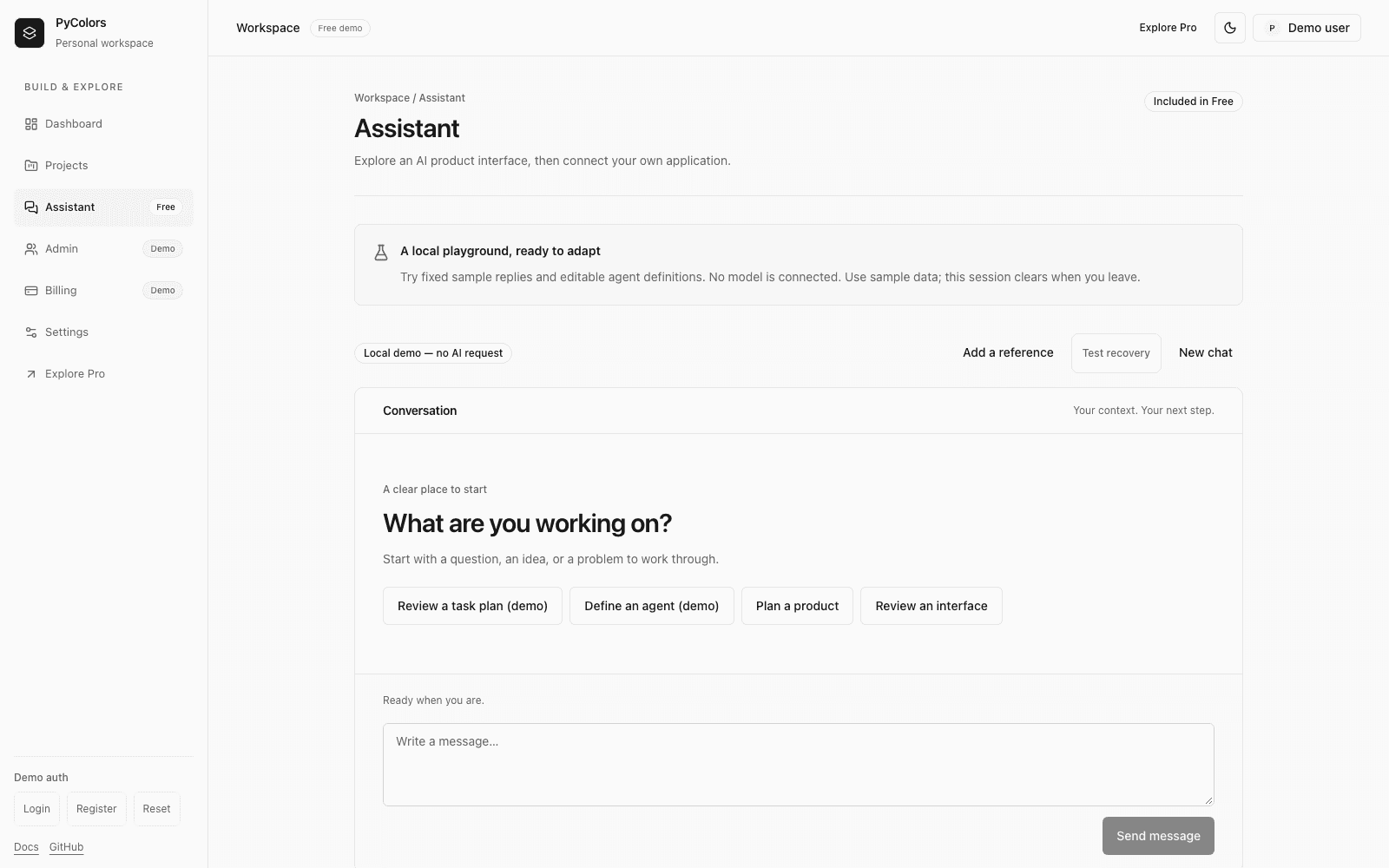
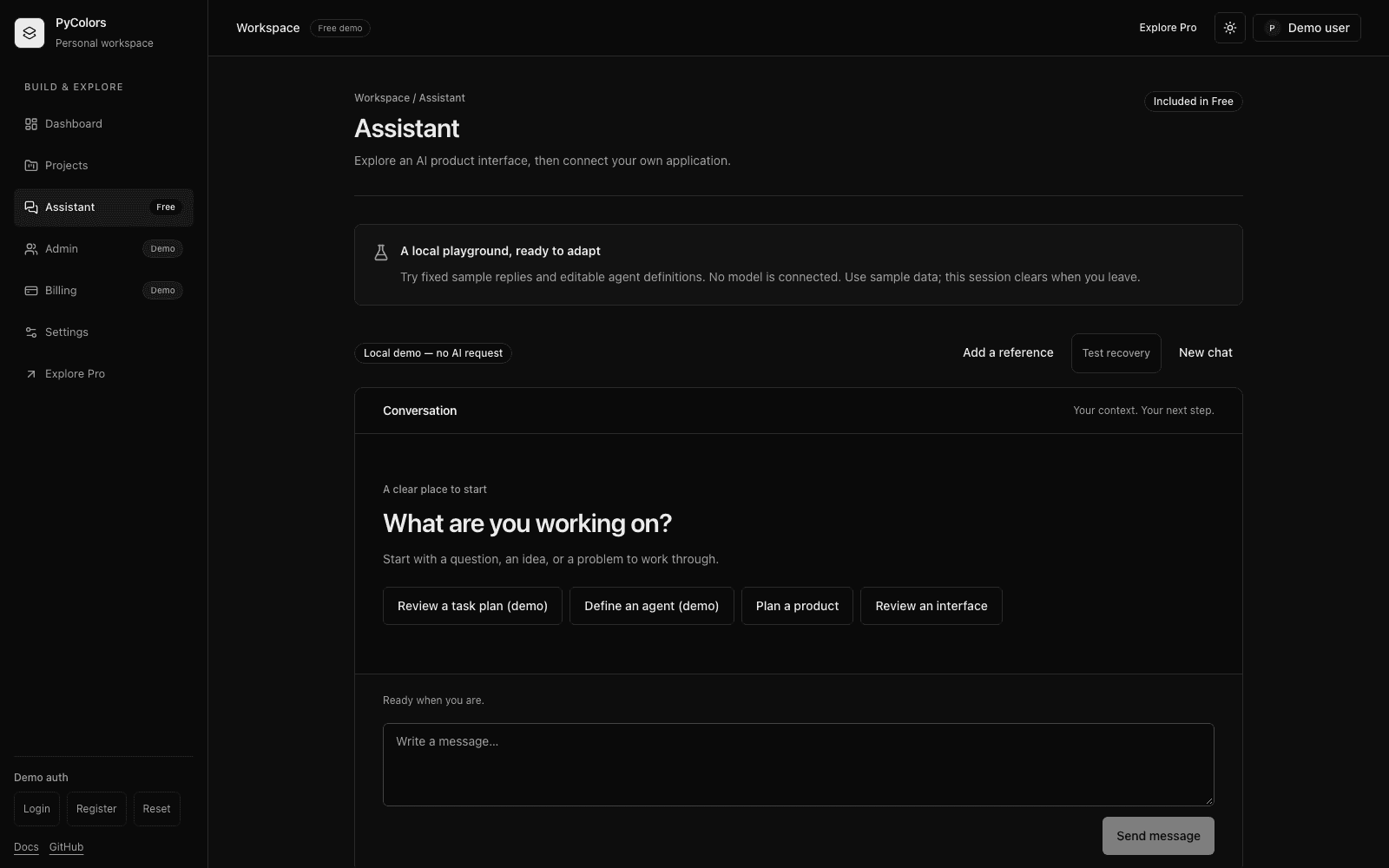
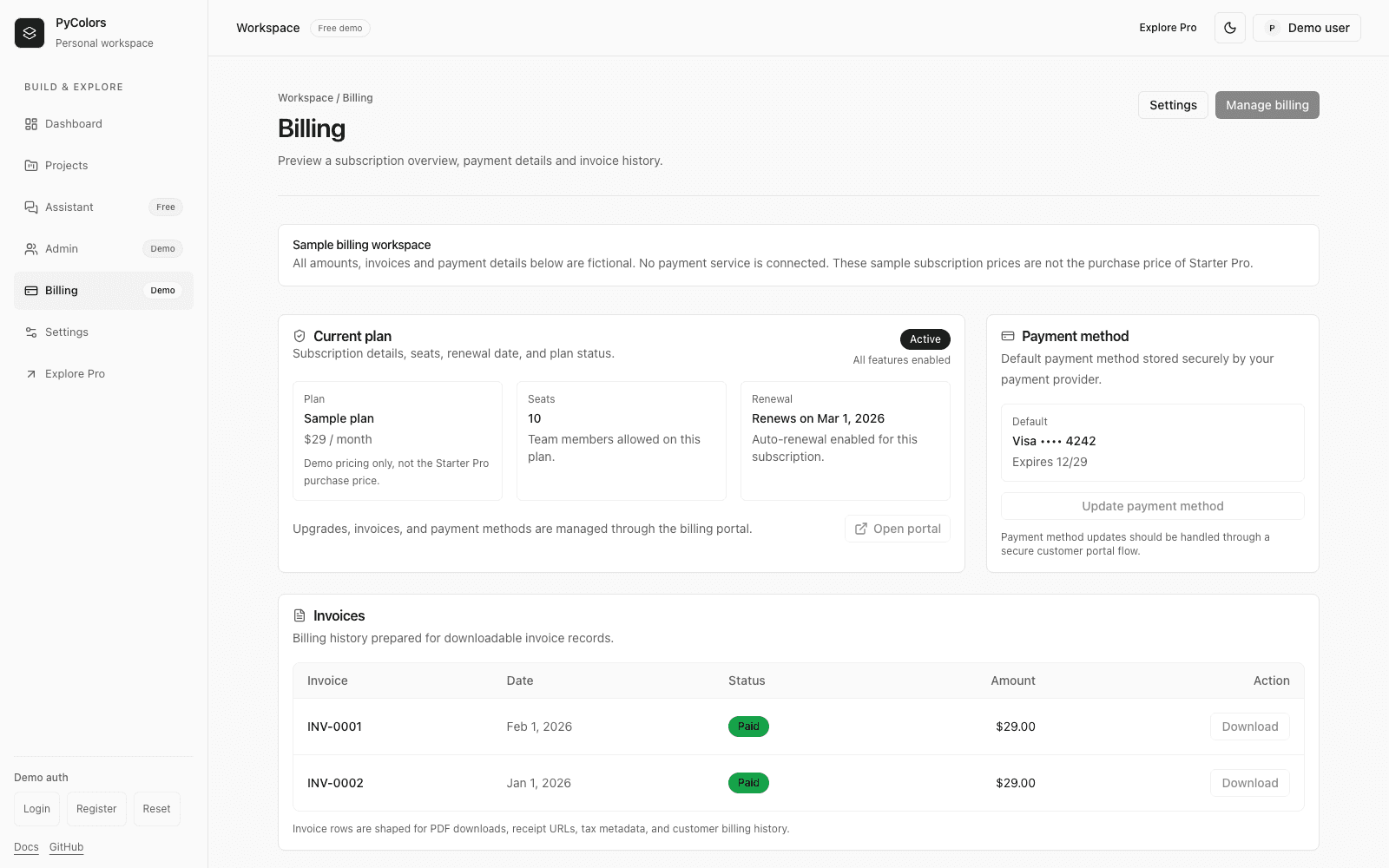
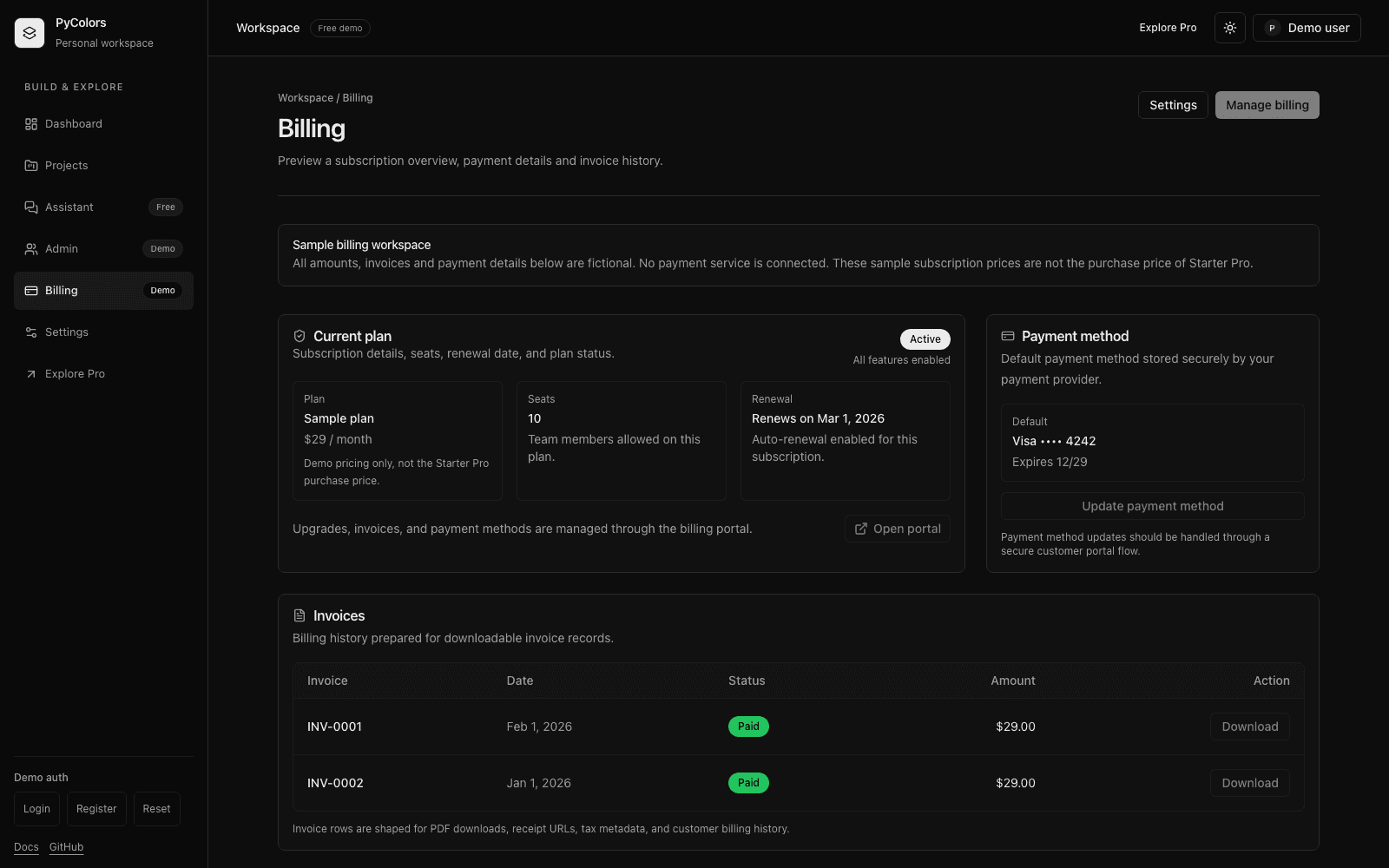
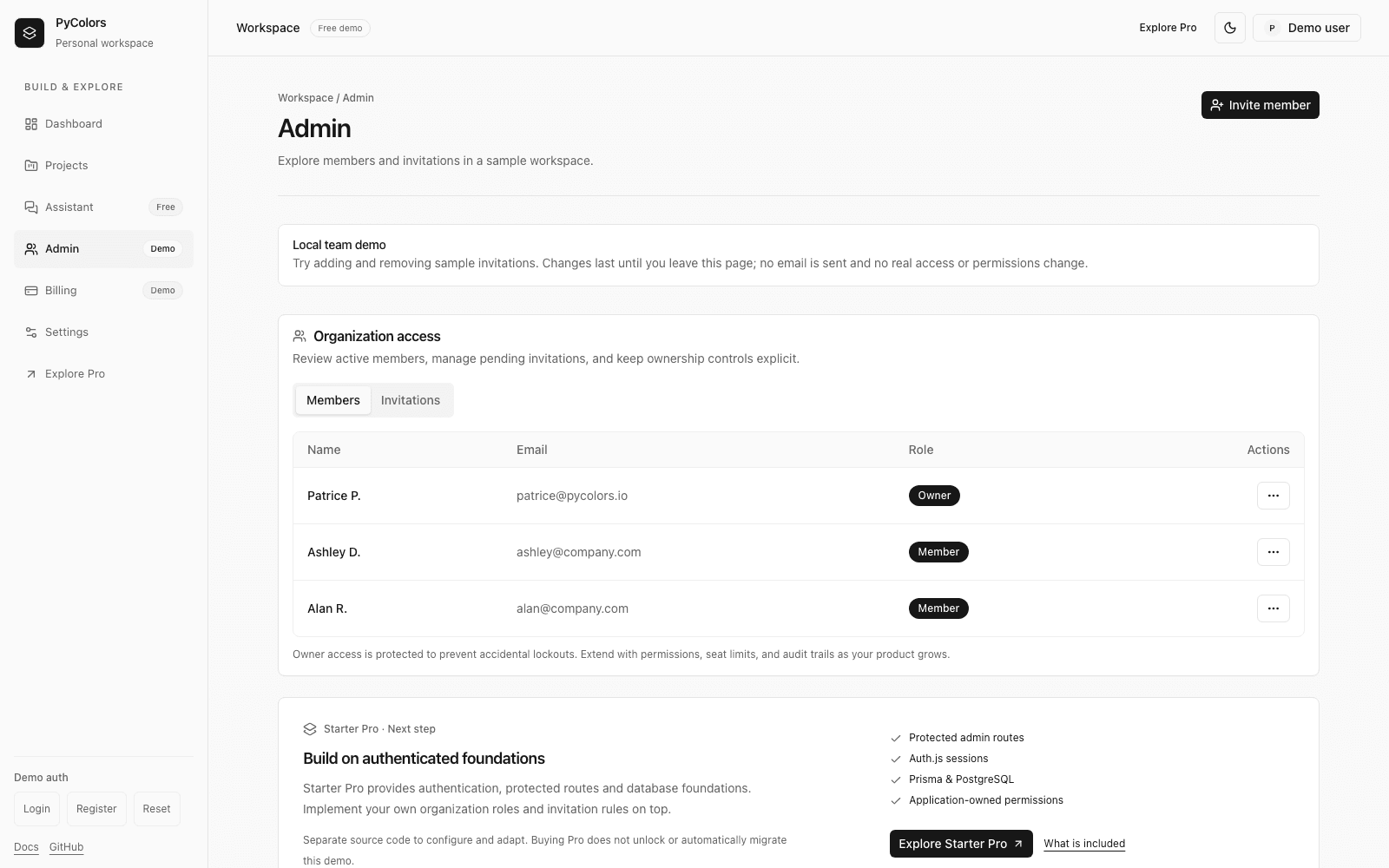
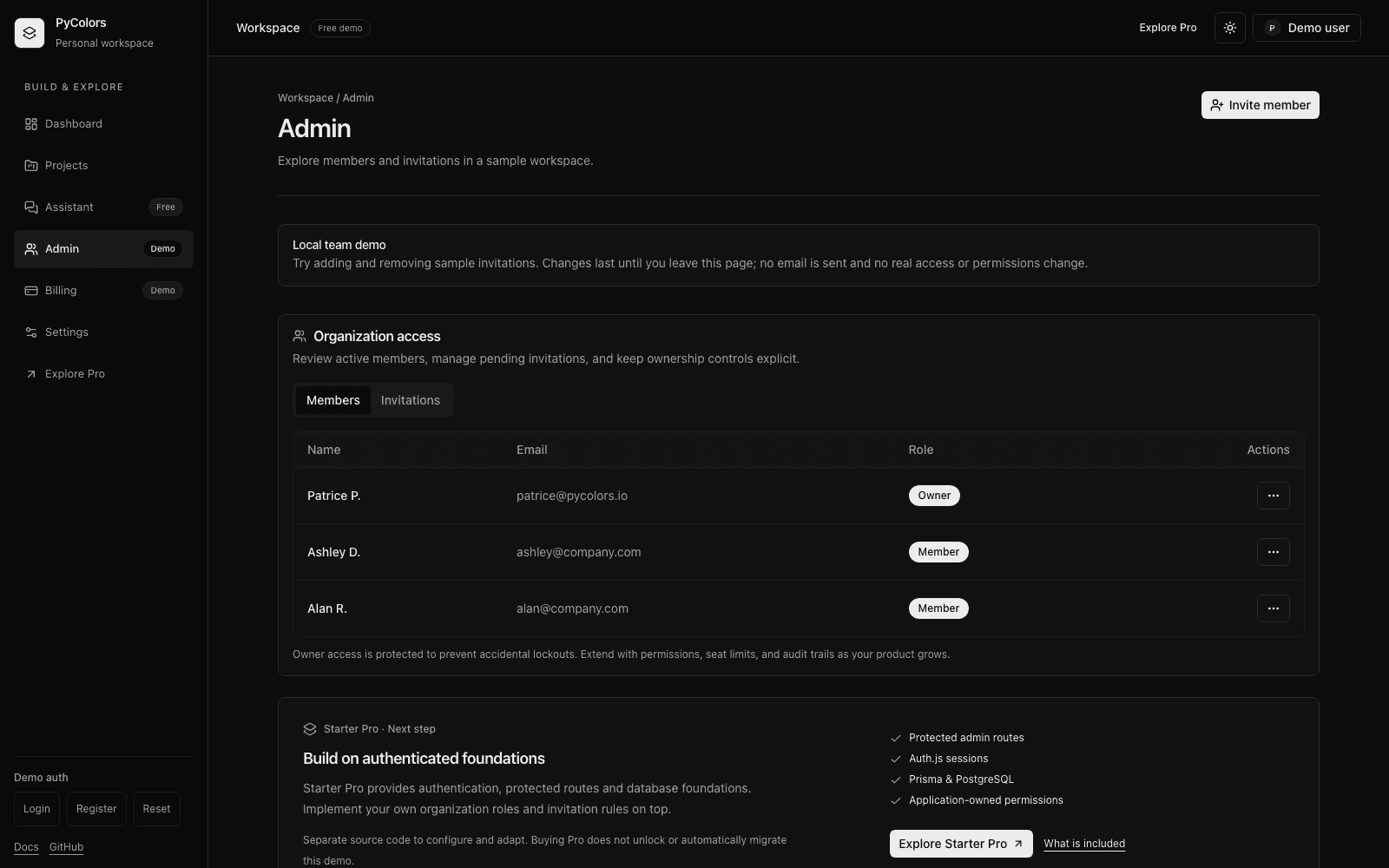
Captures follow your light or dark appearance with sample data. Authentication, payments and access control still need real service integrations.
  • Next.js
  • React
  • TypeScript
  • Tailwind CSS v4
  • PyColors UI
Read the documentation
Product preview

Explore the screens. See the starting point.

Seven areas of a SaaS interface, ready to explore with demo data. Select a screen or open the live demo to try the flows.
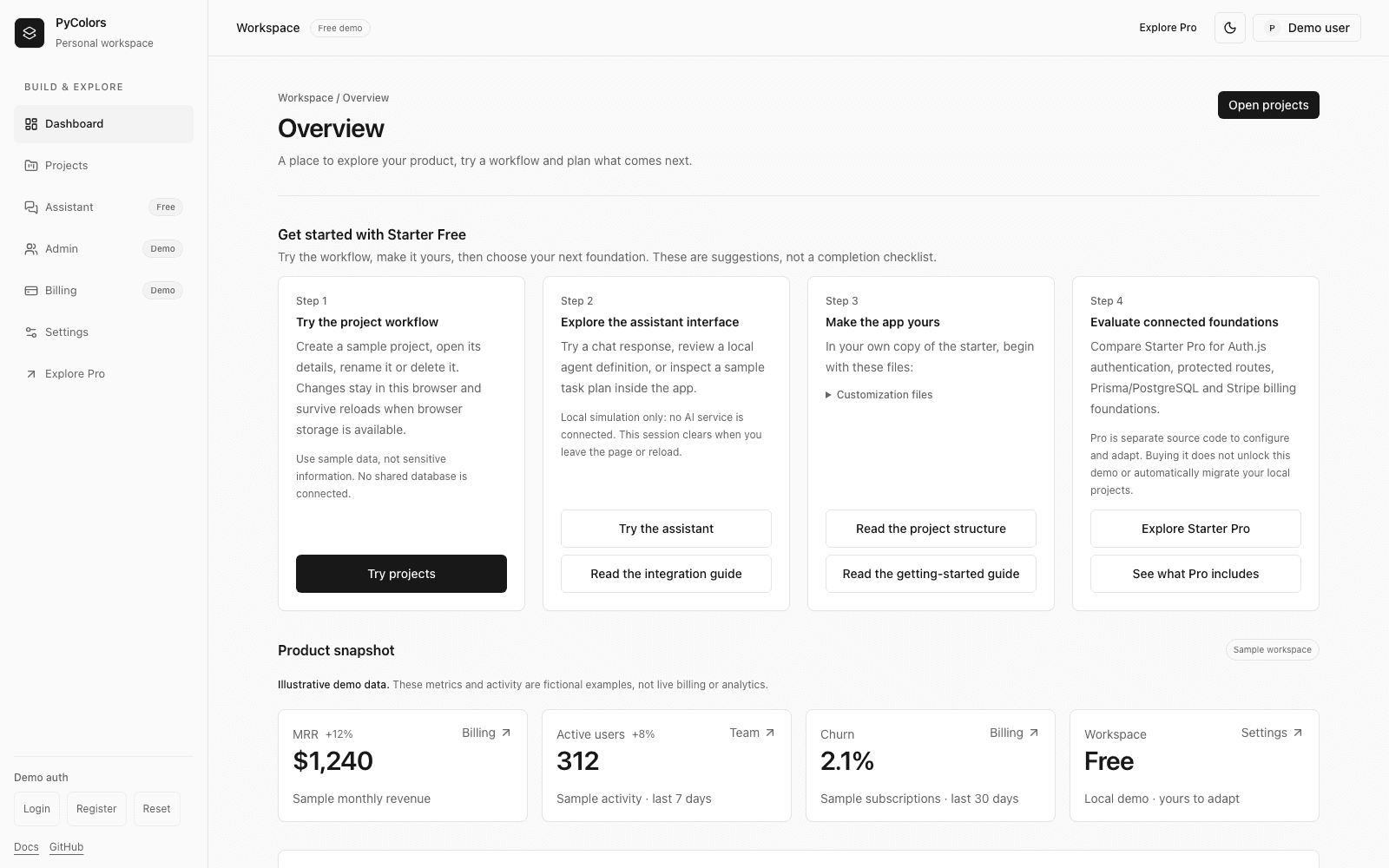
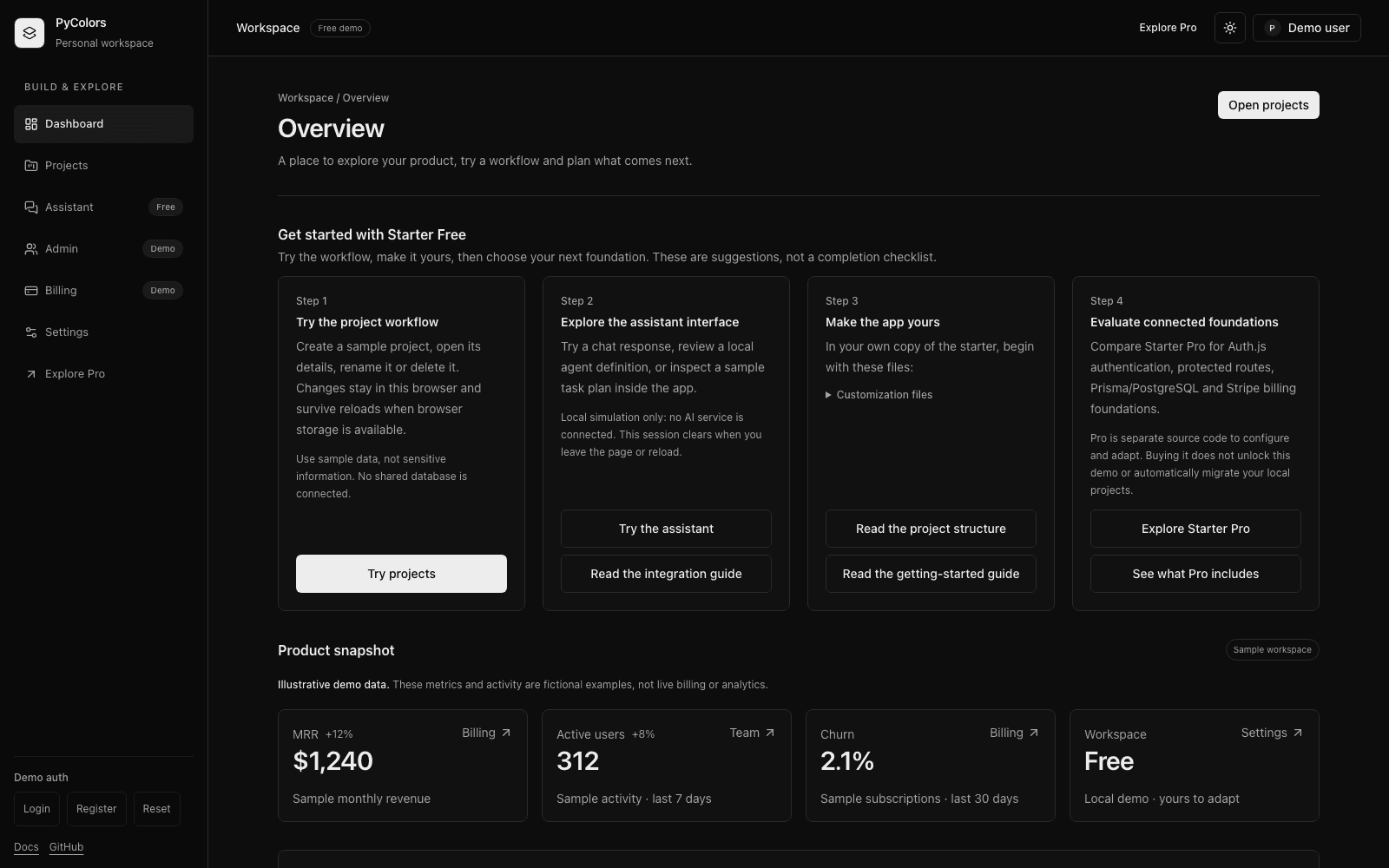
Starter Free dashboard interface with demonstration data, light theme
/dashboardUI preview

A home for your product.

An overview with sample metrics, project activity and clear next actions. Start with a complete page structure and make it relevant to your product.

  • Responsive app navigation
  • Sample KPIs and summary cards

Captures follow your light or dark appearance with sample data. Authentication, payments and access control still need real service integrations.

What’s included

A connected foundation for your first screens.

Keep the structure, adapt the components and build on the same UI system used across PyColors.

App Router

Application structure

Start with routes and layouts you can follow.

  • Next.js App Router with TypeScript
  • Shared app shell and mobile navigation
  • Feature components organized by flow
PyColors UI

A shared design system

Keep every screen speaking the same language.

  • PyColors UI components included
  • Tailwind v4 and semantic color tokens
  • Forms, tables, dialogs and sheets
Local development

A focused local workflow

Explore the interface before choosing services.

  • Mock data and client-side examples
  • No database or API keys to explore
  • Lint, type and build checks with pnpm verify
@pycolors/ui npm version@pycolors/ui npm downloads@pycolors/ui license

PyColors UI · Versioned · documented · tested · actively maintained

Get started

From repository to running app.

Start locally, explore the sample flows and make your first screen your own.

  1. 01

    Clone and run

    Use Node.js and the pnpm version declared in the starter’s package.json.

  2. 02

    Explore the demo data

    Open the dashboard, try the project dialogs and inspect the account screens.

  3. 03

    Make it your product

    Update the copy, adjust your theme and connect the services your app needs.

Installation guide
Terminal
git clone https://github.com/pycolors-io/pycolors-starter-free.gitcd pycolors-starter-freepnpm installpnpm dev
Local previewhttp://localhost:3000
Free vs Pro

Choose the foundation for your next step.

Keep Free while shaping the interface. Consider Pro when real accounts and subscriptions become the next implementation step.

Starter Free

Shape the product experience.

FreePublic repository · MIT

  • Dashboard, projects and account UI
  • Mocked auth, billing and product data
  • Connect your own backend and services

Starter Pro

Start with auth and billing foundations.

299 €One-time source licence

  • Auth.js sessions and protected routes
  • Stripe Checkout, portal and webhooks
  • Prisma and PostgreSQL foundations
Explore Pro

Pro is source code. You still configure the providers, build your product logic and validate the integrations before launch. Moving from Free requires bringing your changes across; it is not an automatic migration.

FAQ

Before you start.

A few details about the source, the demo data and your next steps.

What can I do with Starter Free?
Clone the source, run the app and adapt the dashboard, project flows, account screens and styles to your product. The public Starter Free repository is MIT licensed; its license is included with the source.
Do authentication and payments work out of the box?
The screens use demo data and client-side state. No real account, session or payment is created. Connect your own authentication, database and payment services, or review the integration foundations in Starter Pro.
Do I need a database to try it?
No. Clone the repository, install its dependencies and run the development server with Node.js and pnpm. The included screens can be explored without configuring a database or external services.
Can I move to Starter Pro later?
Yes. Free and Pro share the PyColors UI foundation. Bring your interface changes across deliberately and configure the Pro integrations for your product. Purchasing Pro does not automatically migrate your application or data.
