From a release plan to shared delivery.
A shared workspace for planning a product release, assigning work and keeping review notes with the task.
- Example
- Product studio
- Built by
- PyColors
- Foundation
- Starter Pro
- Data
- Fictional demo fixtures
Built by PyColors with Starter Pro. Fictional projects, people and activity; this is a reference implementation, not a customer success story.
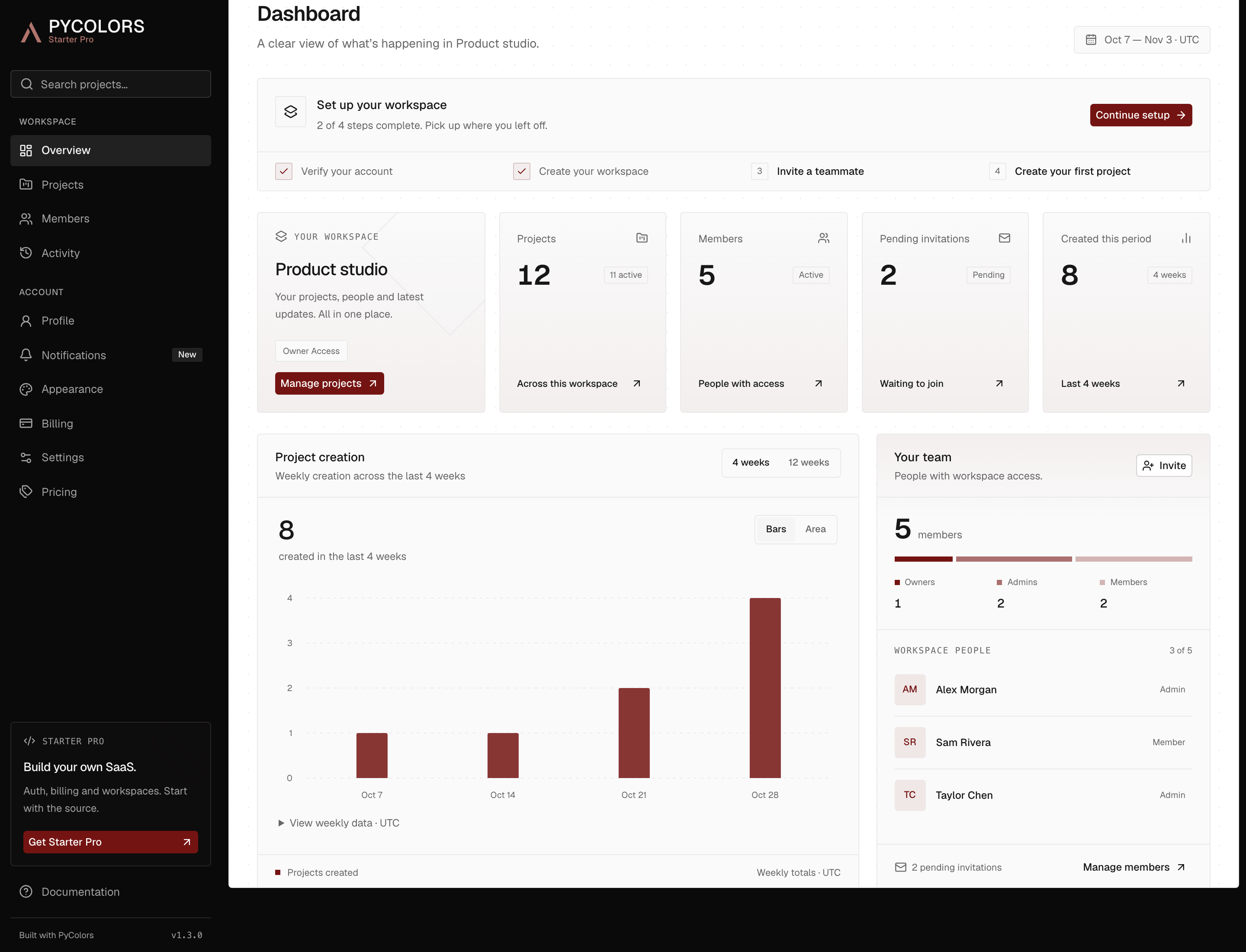
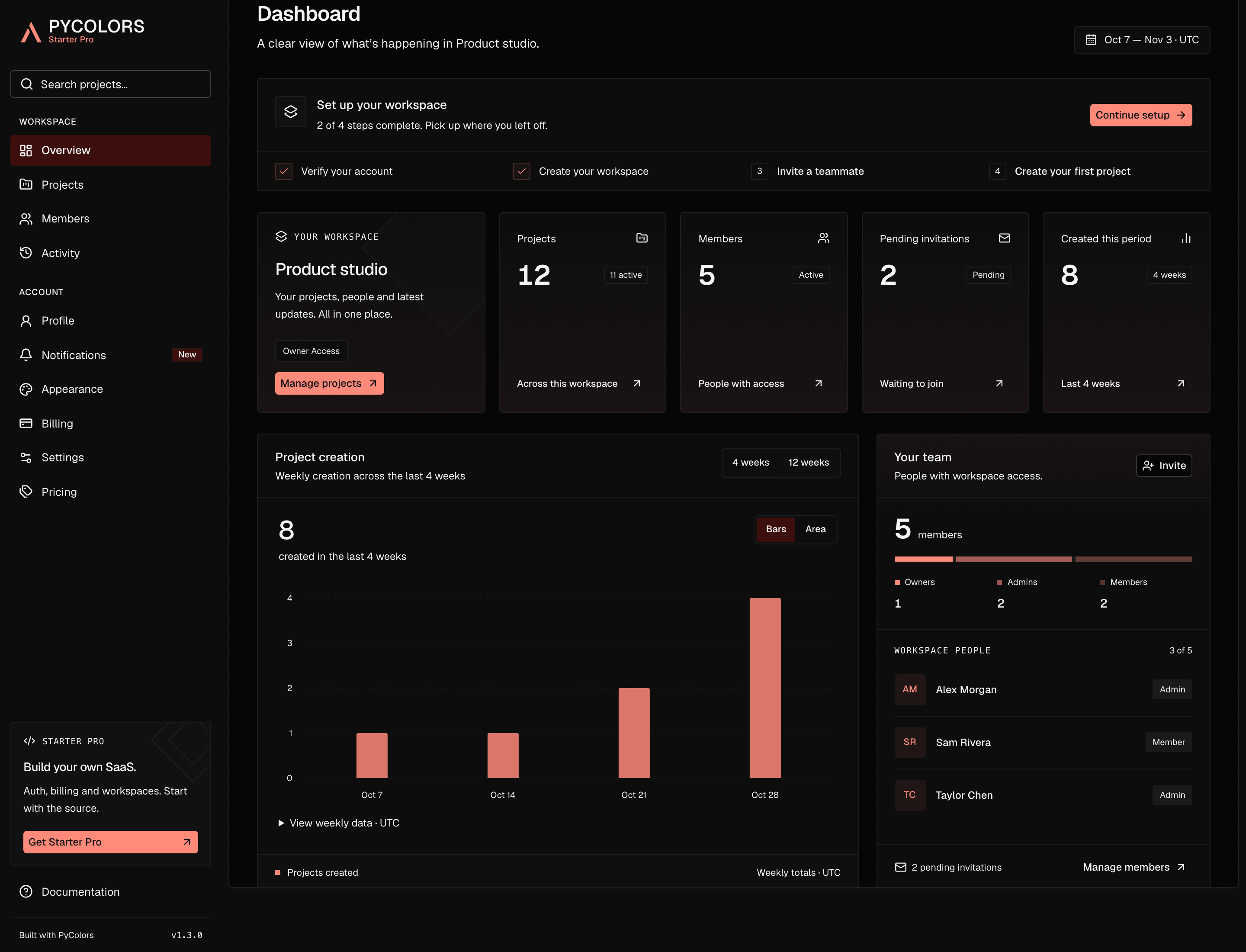
One release. A clear path through the work.
A small product team needs to agree the scope, assign delivery and keep its review notes in context. The Launch checklist project demonstrates that flow.
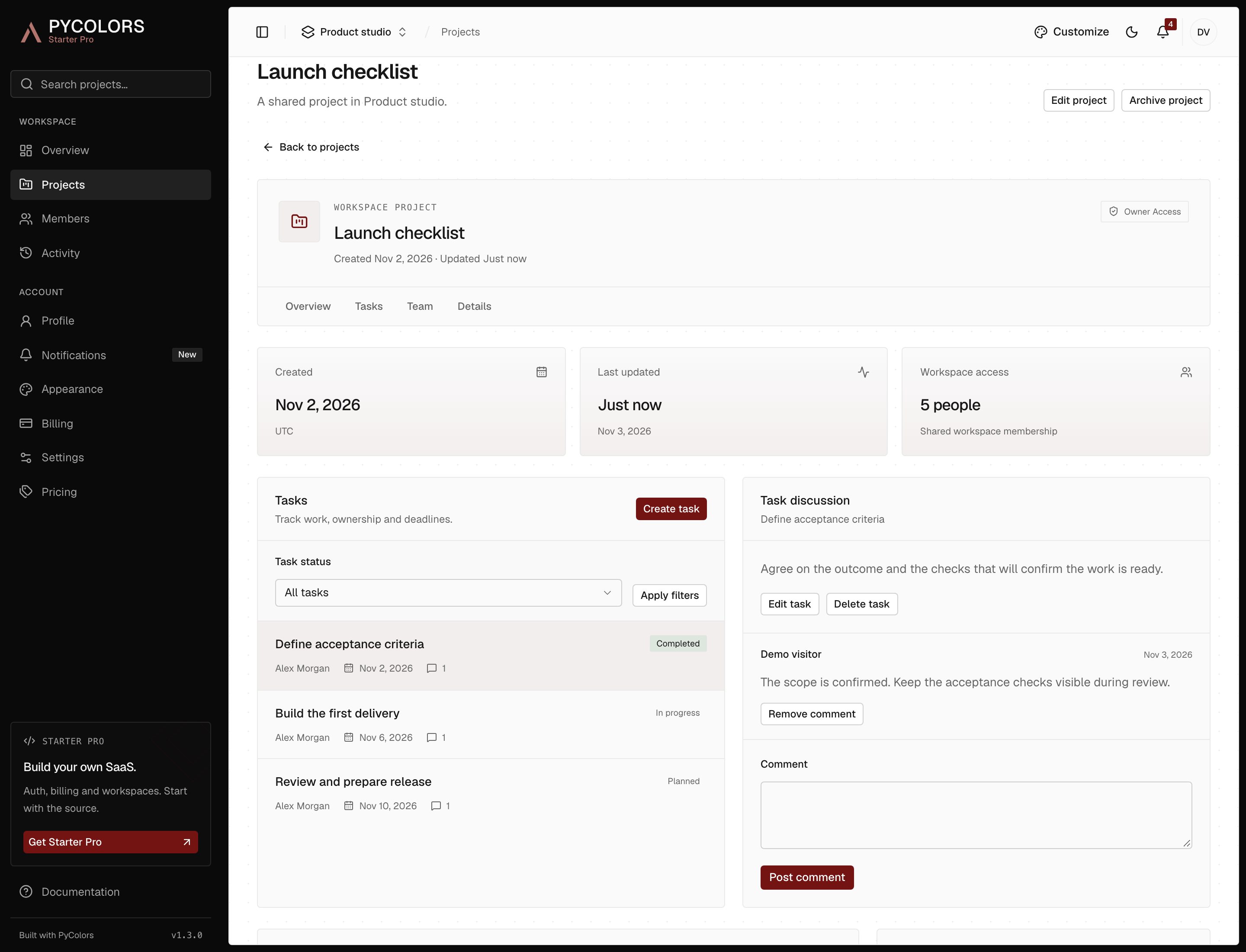
Define the work
Give the project a description and an owner. Record the expected outcome in the first task and mark it complete when the scope is agreed.
Define acceptance criteria
Coordinate delivery
Assign a workspace member, set a due date and move the task into progress. Keep implementation notes in its discussion.
Build the first delivery
Review the release
Record review notes before completing the task. Update the project status separately and archive it when the work is finished.
Review and prepare release
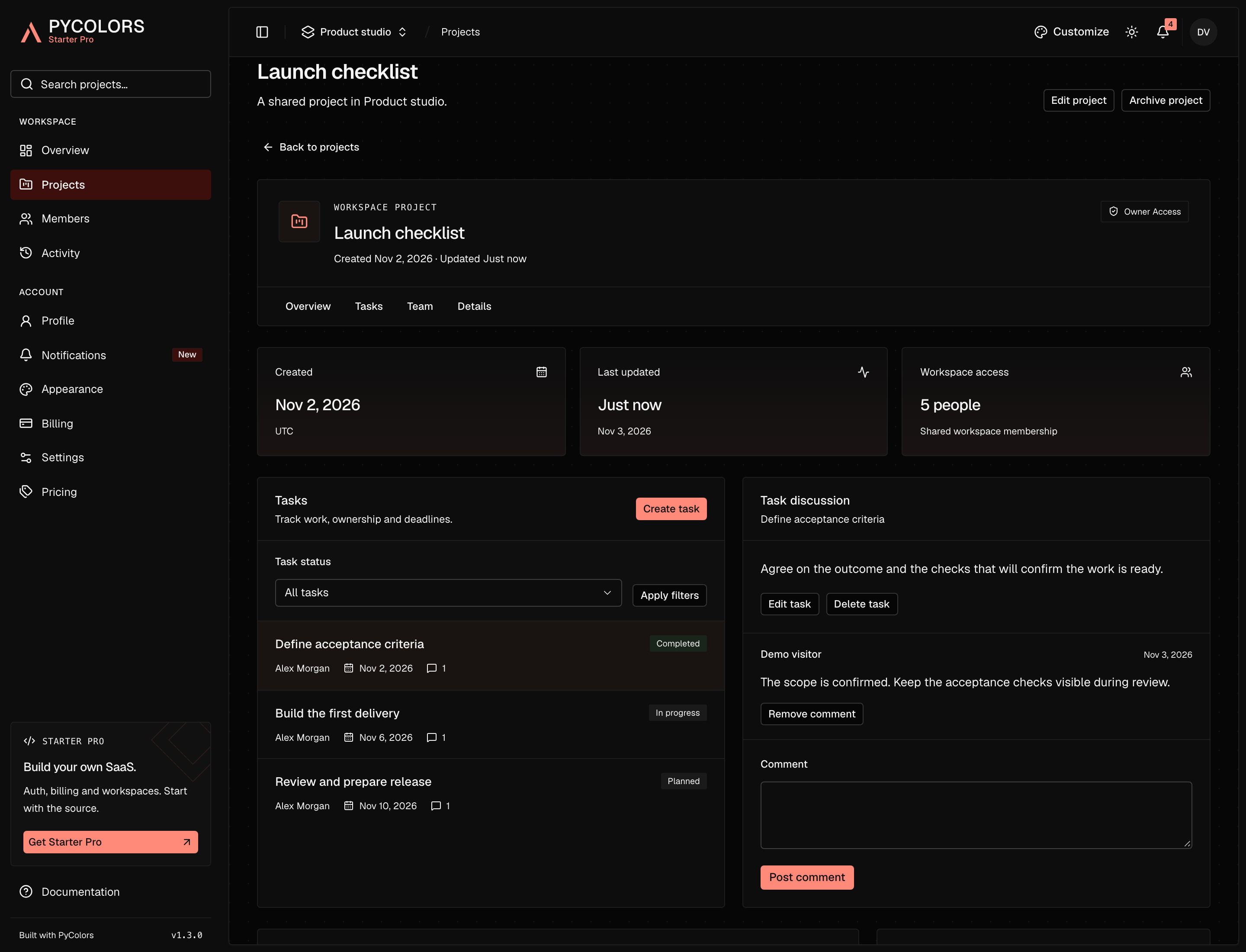
Use the connected foundation. Shape the business rules.
Already in the starter
A shared workspace
Accounts and membership determine access to the workspace. Project assignees identify responsibility; they do not restrict visibility.
Persistent project work
Projects, task status, assignees and due dates are saved in PostgreSQL. Archive a project to pause task and comment changes.
Discussion in context
Comments stay with a task. Workspace permissions govern moderation, and activity records useful workspace events.
Inspect it yourself
Try the workflow. Then make it yours.
Open Projects, choose Launch checklist and explore its tasks and discussion. The demo starts with the same scenario; your private workspace and dates may differ from the captures. Use Customize to change the palette, font and sidebar style.
Before you explore
- No signup; private access lasts two hours.
- Projects, tasks and comments are saved during the session.
- Invitations and billing are simulations. No email or payment is sent.
- Demo records are fictional and are cleaned up after expiry.